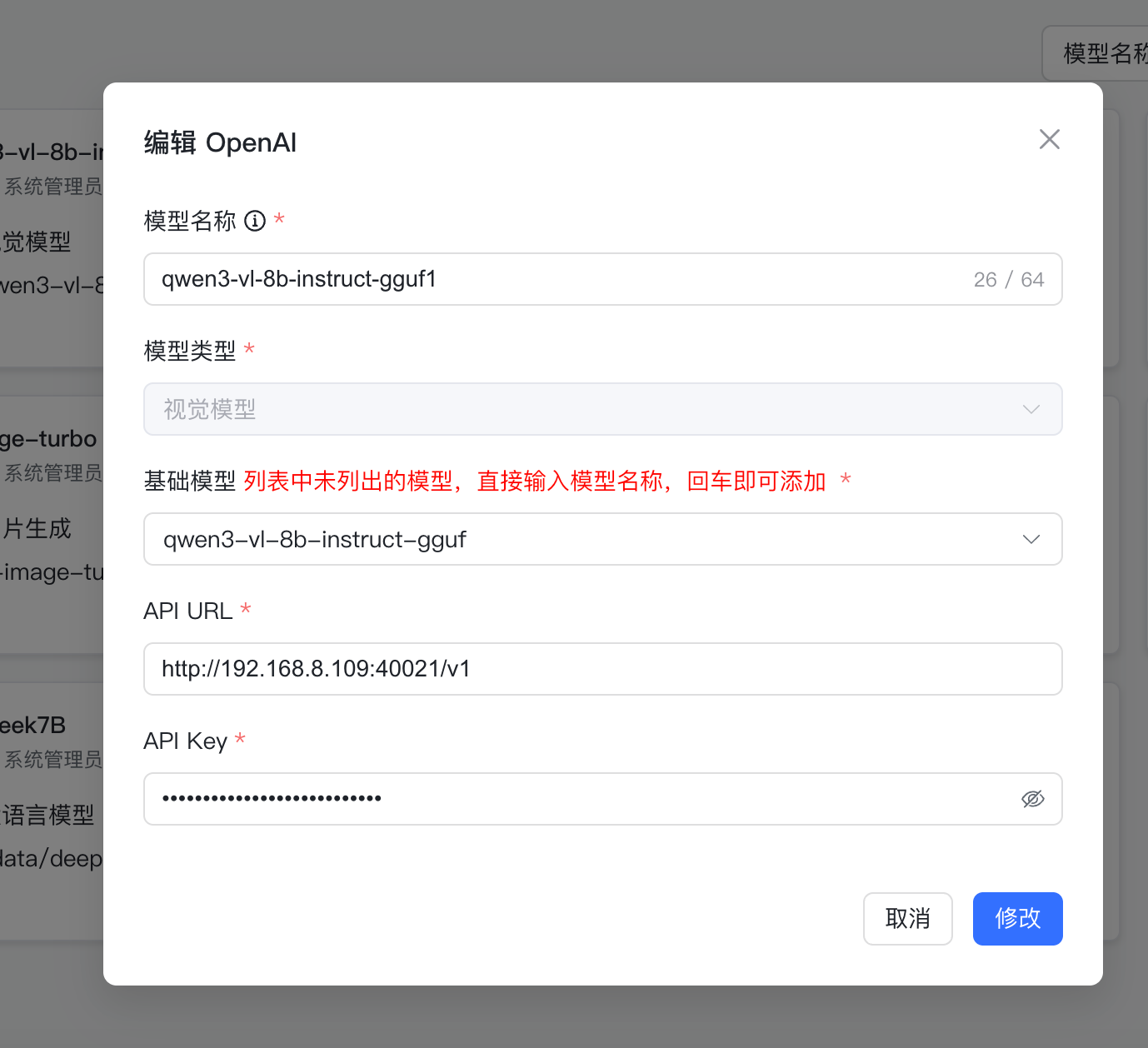
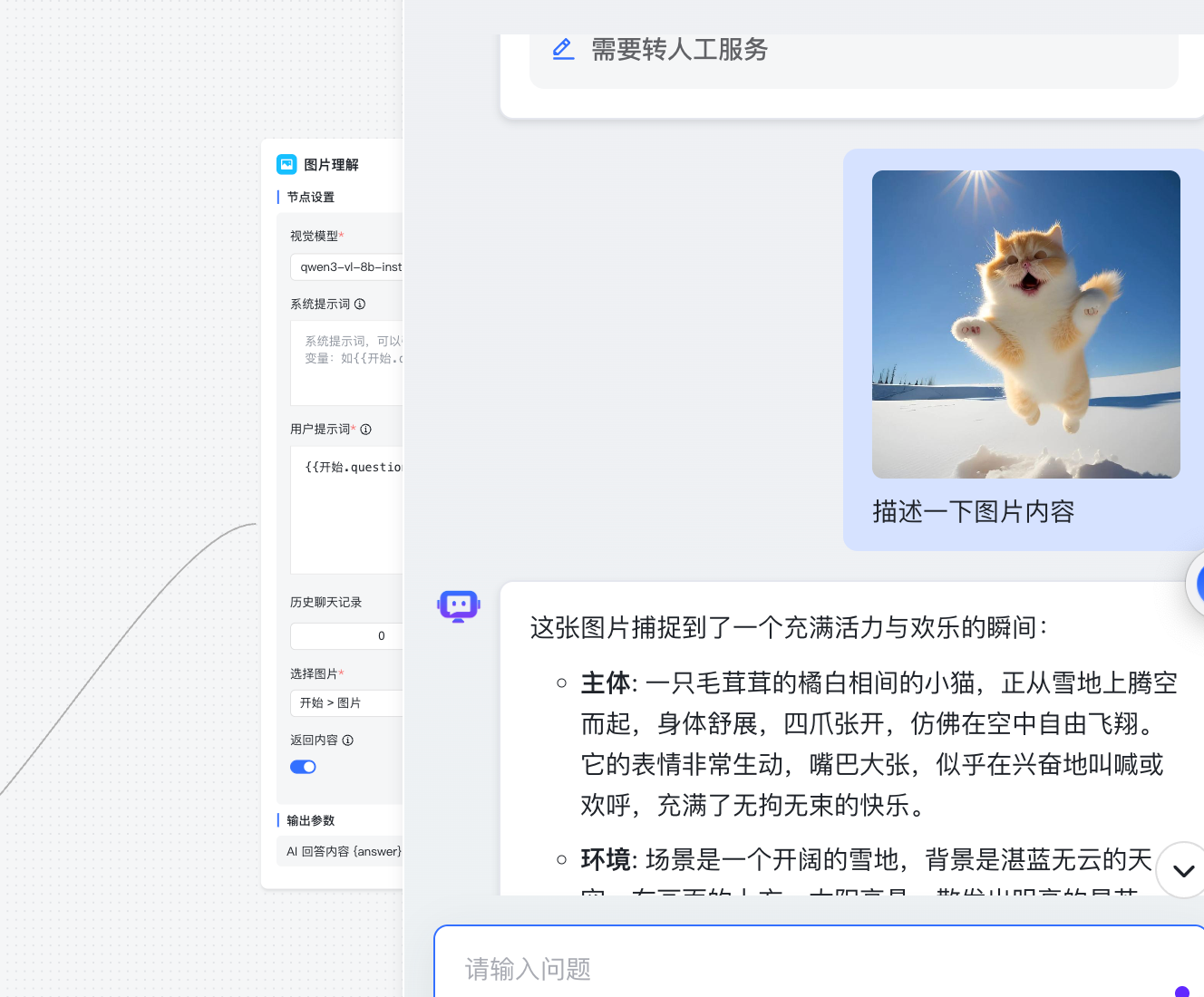
gpustack 部署本地视觉模型
下载谷歌仓库的llama.cpp镜像(yusiwen/llama.cpp的镜像它的启动命令有点不一样目前还没试出来)
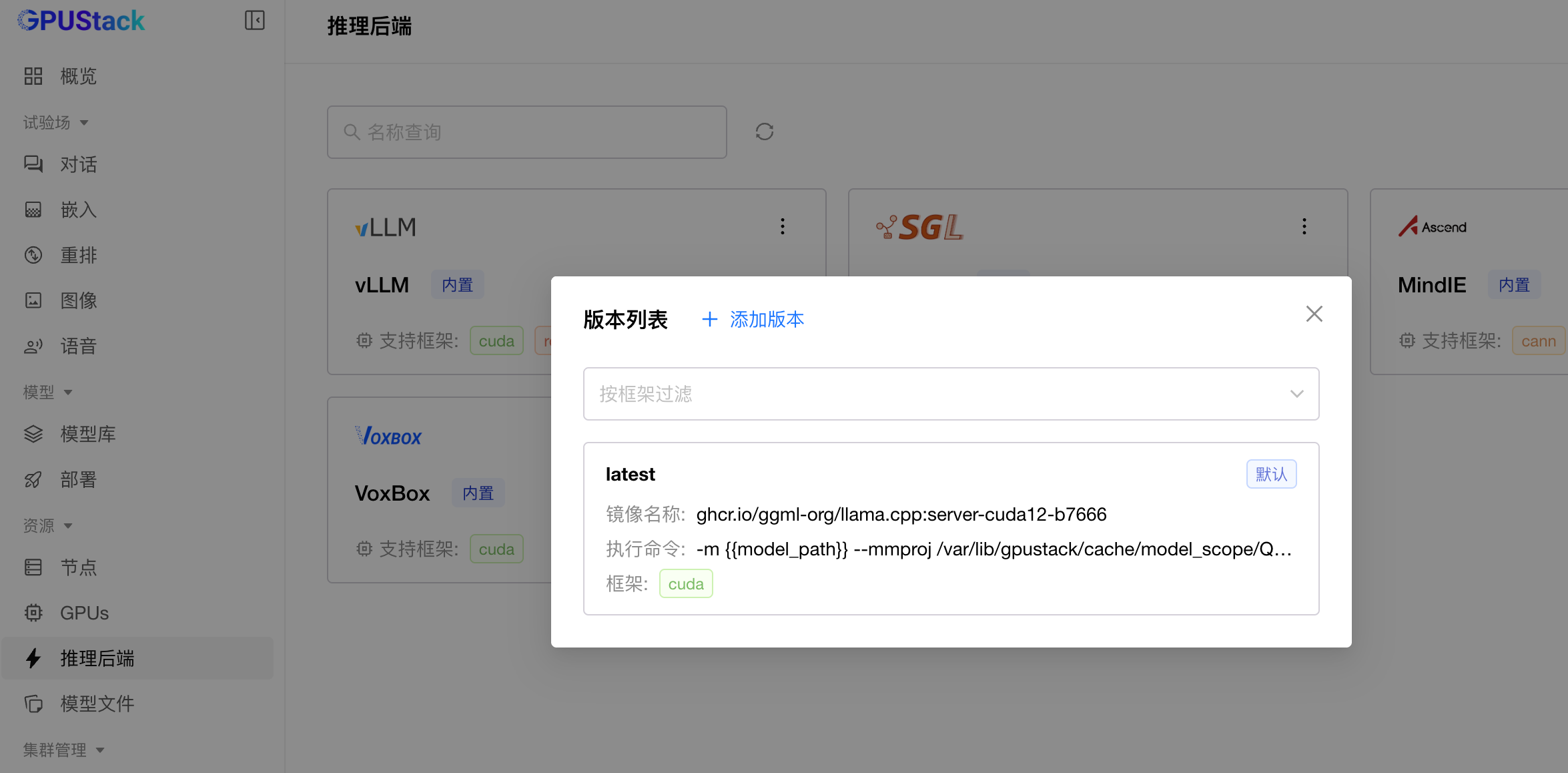
docker pull ghcr.io/ggml-org/llama.cpp:server-cuda12-b7666在gpustack 中导入下面yaml
说明:
-m :表示模型的路径
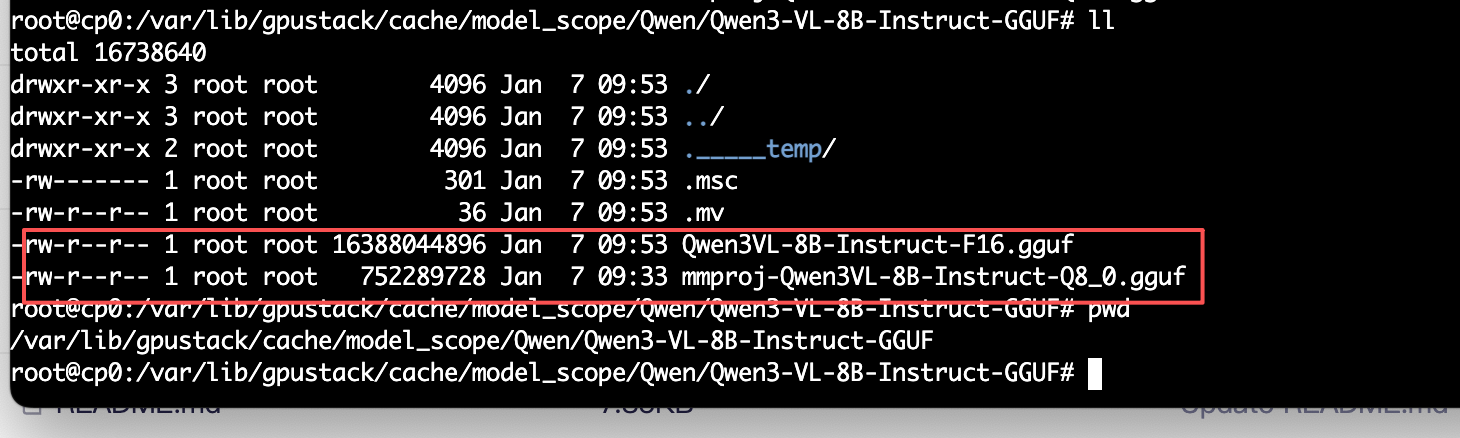
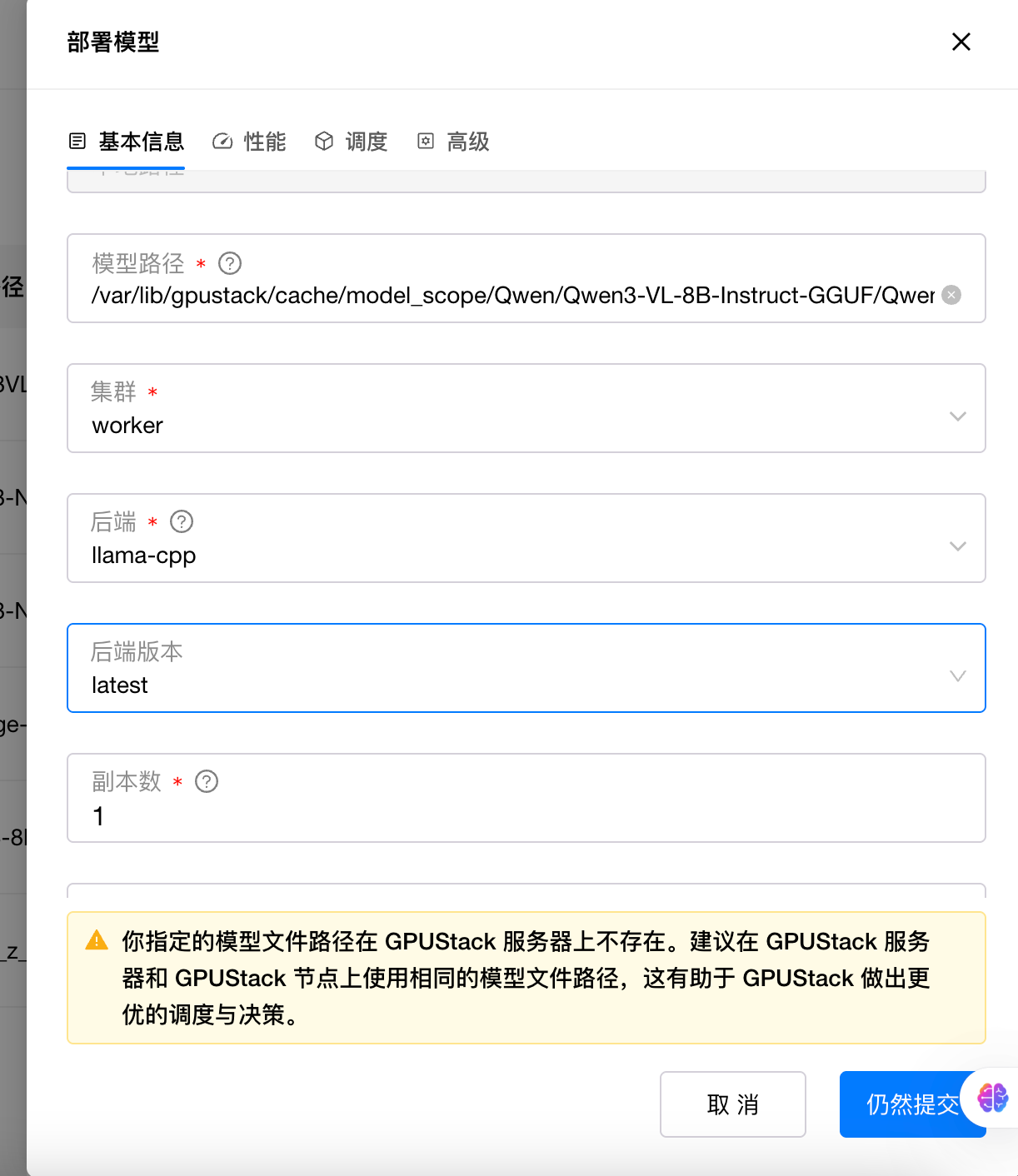
{{model_path}}会直接指向/var/lib/gpustack/cache/model_scope/Qwen/Qwen3-VL-8B-Instruct-GGUF/Qwen3VL-8B-Instruct-F16.gguf 这个地址;
--mmproj :这个就是多模态投影文件,如果不加这个参数就无法处理图片;
--port :模型的端口;
--host :模型的IP;
-ngl -1 :-1 是一个特殊值,表示将所有层都加载到 GPU(最大化利用 GPU 显存,提升推理速度);
如果设置为 0,表示所有层都在 CPU 上运行(速度慢,但显存占用低);
如果设置为 20,表示前 20 层加载到 GPU,剩余层在 CPU 运行(平衡显存和速度)。
-c 32768 :设置模型能处理的最大上下文长度;
description: null
health_check_path: null
default_run_command: ''
version_configs:
  latest:
    image_name: ghcr.io/ggml-org/llama.cpp:server-cuda12-b7666
    run_command: >-
      -m {{model_path}} --mmproj
      /var/lib/gpustack/cache/model_scope/Qwen/Qwen3-VL-8B-Instruct-GGUF/mmproj-Qwen3VL-8B-Instruct-Q8_0.gguf
      --port {{port}} --host {{worker_ip}} -ngl -1 -c 32768
    entrypoint: null
    custom_framework: cuda
default_backend_param: []
default_version: latest
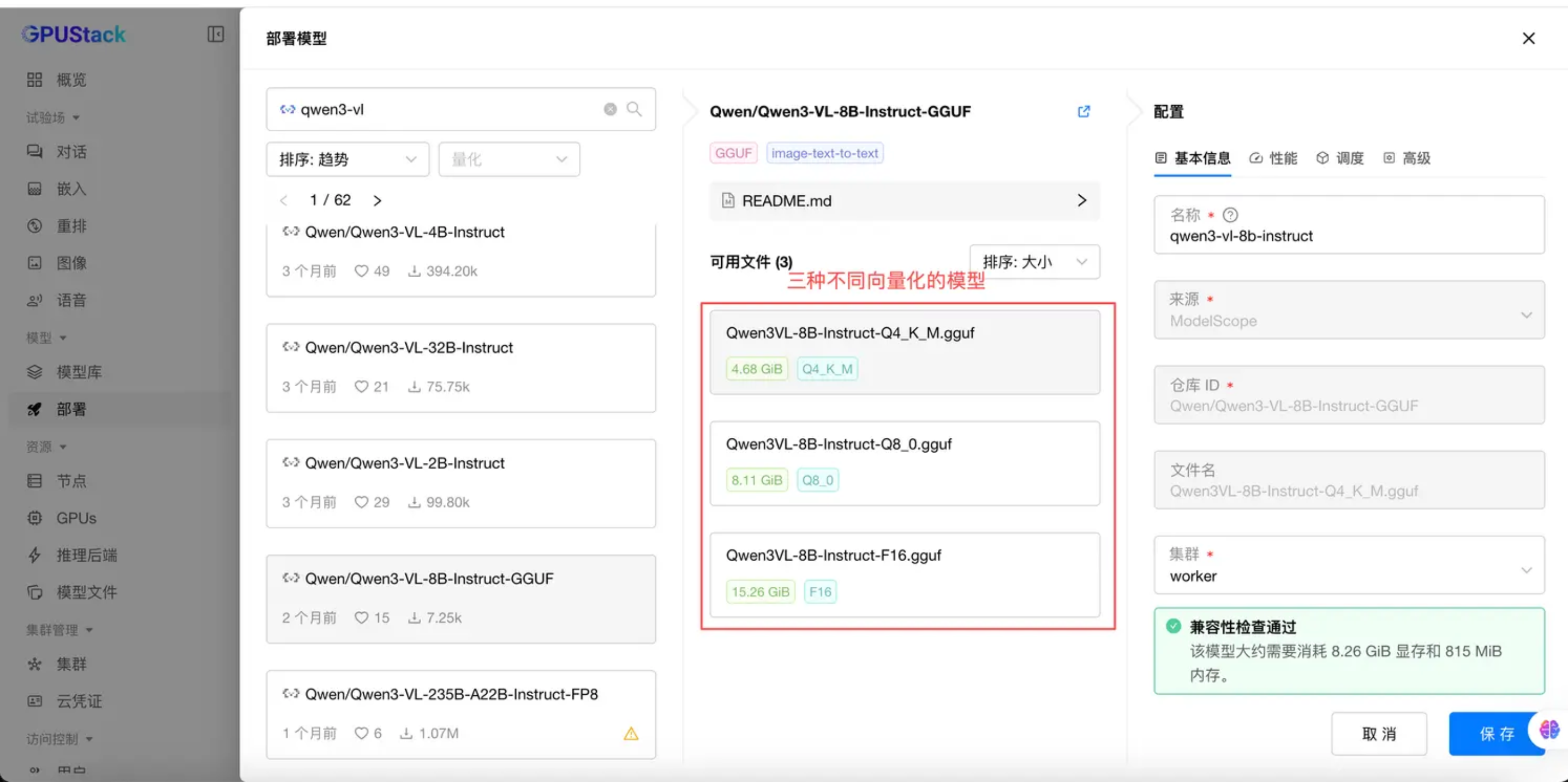
模型下载:
注意:我再部署的时候遇到一个问题,从modelscope模型库下载过z_images_turbo模型,它在gpustack这挂载后跑不了,只能通过部署模型这里的模型下载的模型才能跑起来;
运行模型
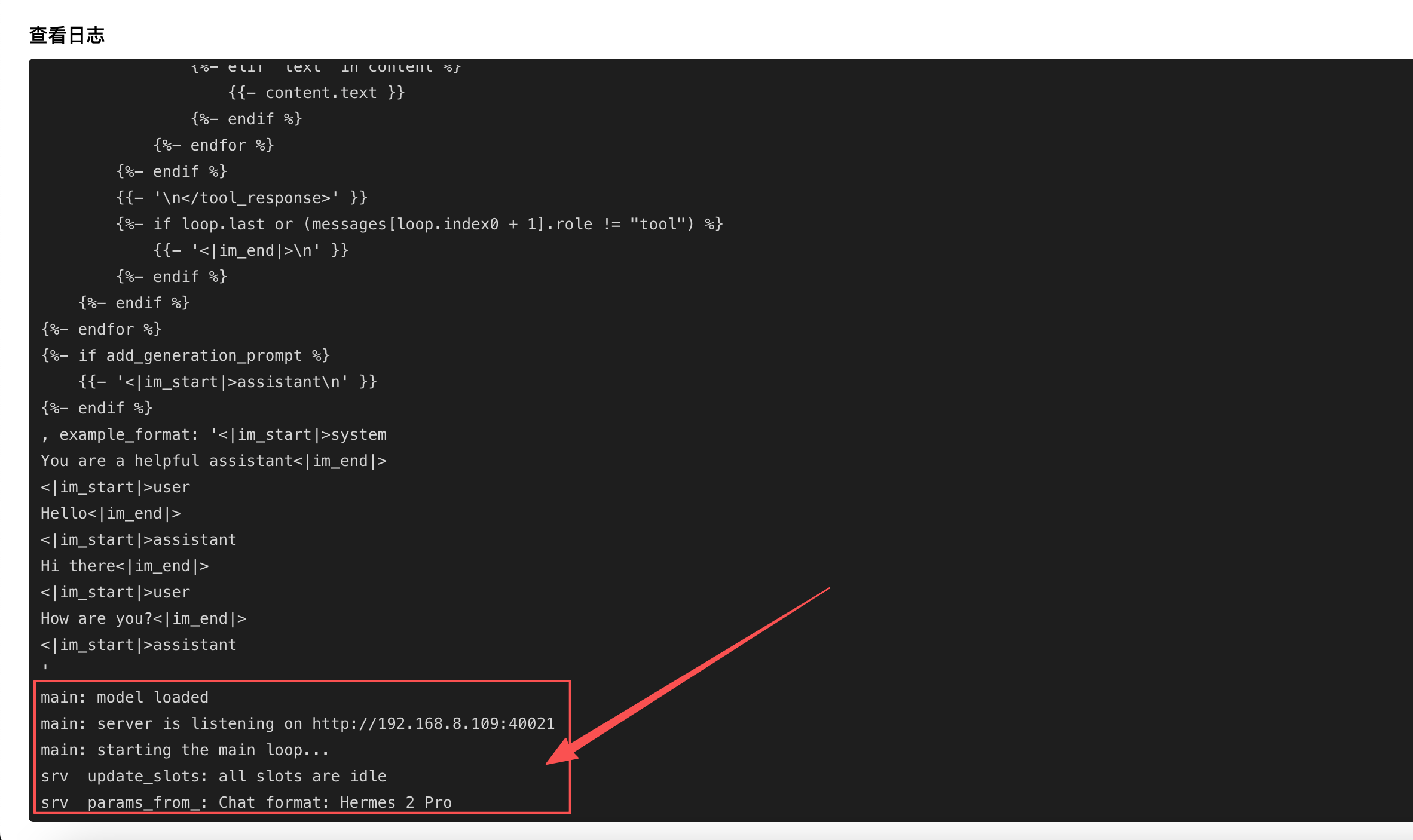
验证模型进行问答